Receipts, invoices and chasing, from your phone.
Localdesk Books is a phone app that sits on top of the accounting software you already use. Snap a receipt and it is filed, send an invoice, see who owes you, and keep a clean pack for your accountant.
Example screens with made-up details. Works with QuickBooks Online and Xero, and some features are QuickBooks only (marked below).
See what it does on your phone
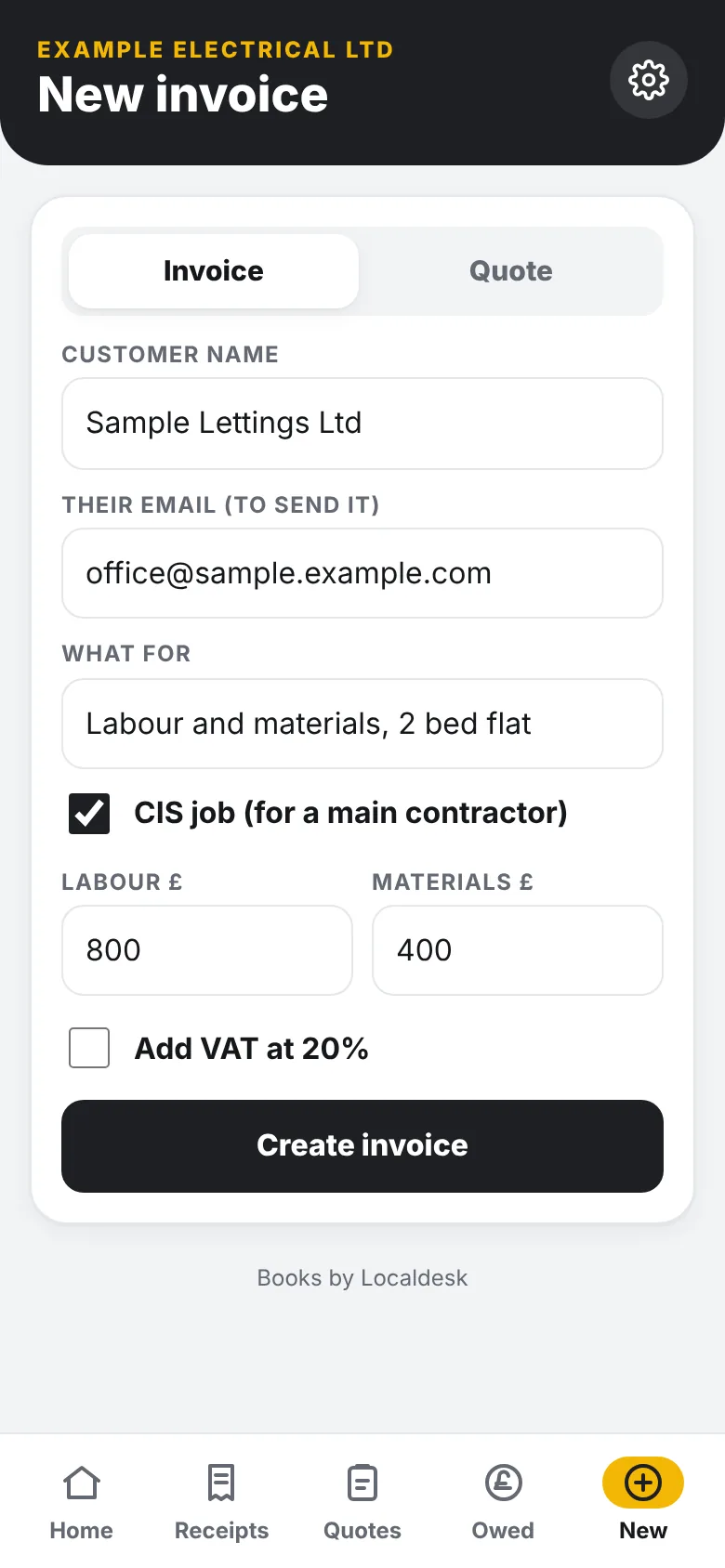
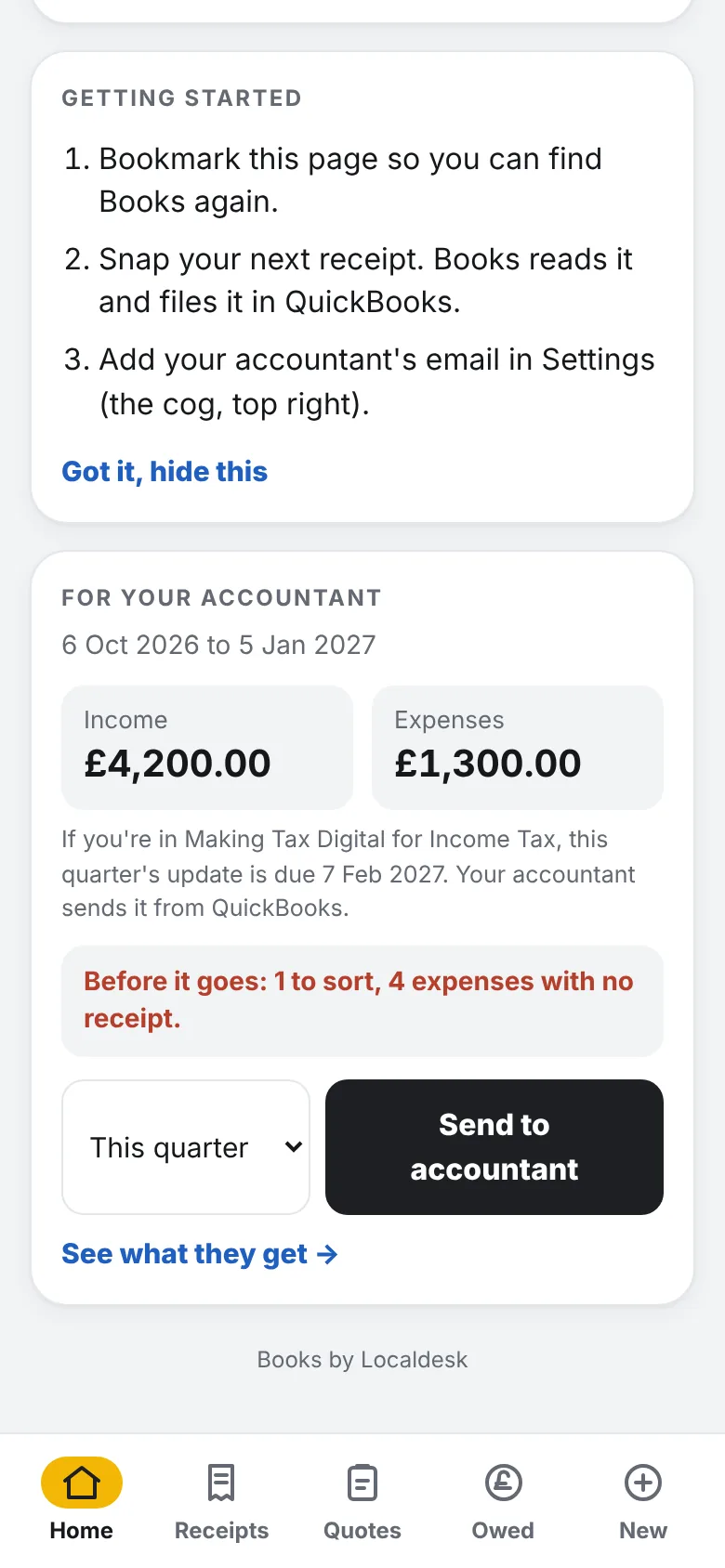
Screens from the app, with made-up example data.
What you can do with it
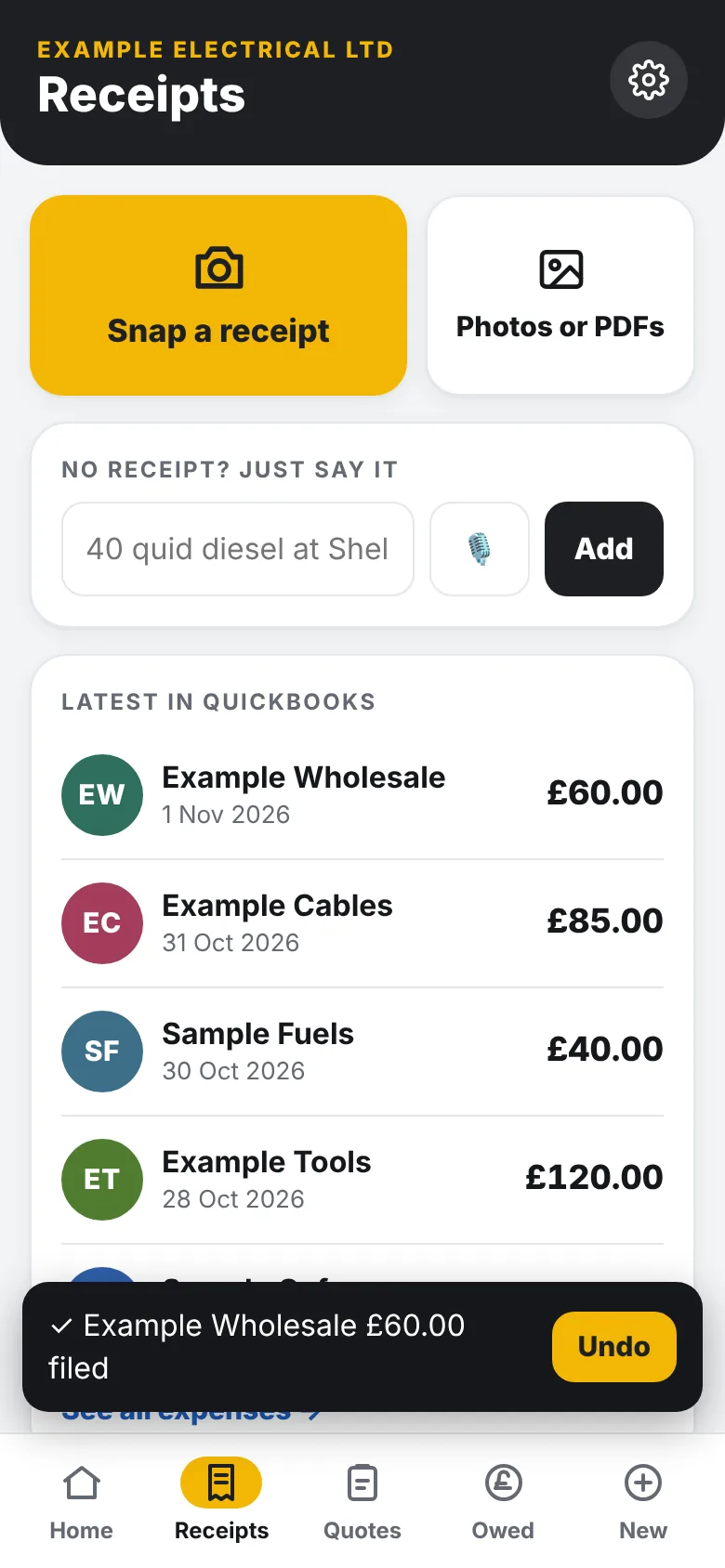
- Photograph a receipt. It reads the supplier, date, total and VAT, files it for you, and asks only when something looks wrong. Undo is one tap.
- Type or speak an expense, such as "40 quid diesel at Shell".
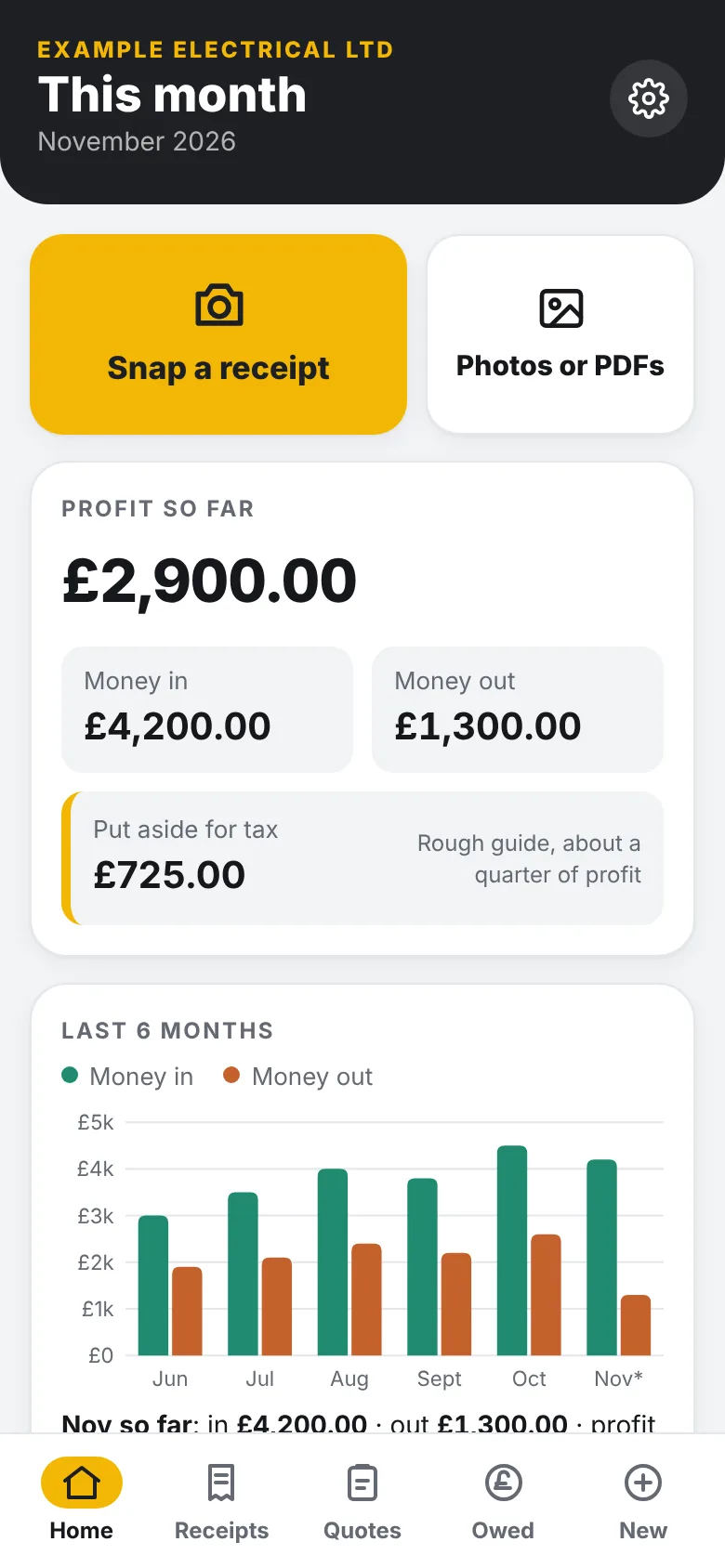
- See your month at a glance: money in, money out and profit, with a rough guide to what to put aside for tax.
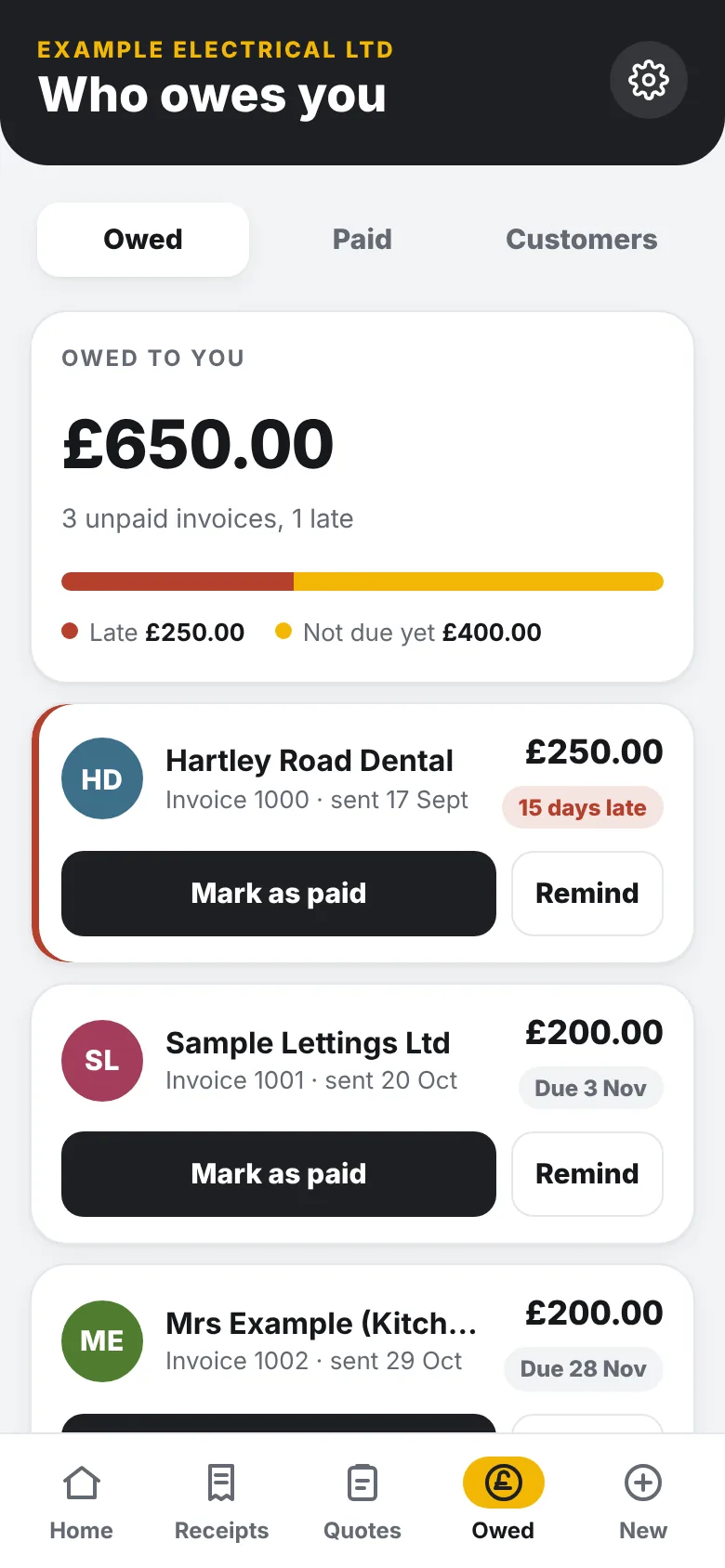
- See who owes you, mark invoices paid and remind late payers. (QuickBooks)
- Raise invoices from your phone, including CIS jobs with labour and materials split. (QuickBooks)
- Track quotes waiting for an answer, mark them won or chase them. (QuickBooks)
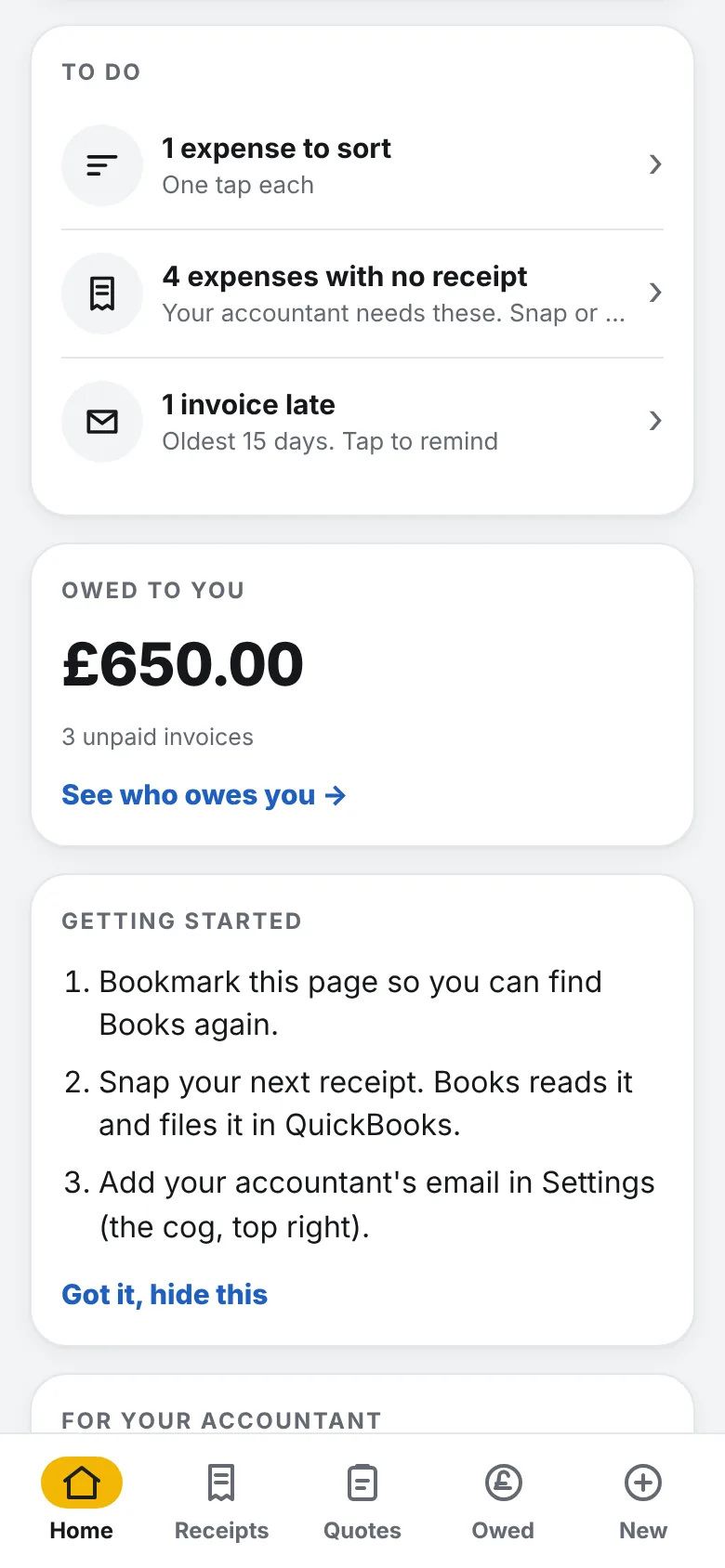
- Get a short to-do list: expenses to sort, receipts missing, invoices late.
- Keep a simple mileage log at HMRC rates, and send your accountant a quarterly pack. (pack: QuickBooks)
Three steps to your first filed receipt
Your figures stay in your own accounting software.
Talk to us
Book a short call or email us. Tell us which accounting software you use.
We connect it
We connect the app to your own accounting software and set it up with you.
Snap your first receipt
Photograph a receipt and watch it appear in your accounts.
What it is, and what it is not
- It does not do your tax return, VAT return or Making Tax Digital submission, and it does not replace your accountant.
- The "put aside for tax" figure is a rough guide, not a calculation of what you owe.
- The monthly books-check only points things out. It does not certify that your accounts are right.
- Reading receipts needs a signal and can occasionally need a check from you.
- Quotes, CIS invoices, chasing and the accountant pack are QuickBooks only for now. It does not do payroll, stock or bank reconciliation.
Quick answers
Which accounting software does it work with?
QuickBooks Online and Xero. Receipts, invoices, the money summary and the mileage log work on both. Some features are QuickBooks only, as marked above. FreeAgent support is limited today.
Does it replace my accountant?
No. It tidies the admin and gives your accountant a clear pack. Accounting and tax questions are for them.
What if it files a receipt wrongly?
Tap Undo within a few seconds, and there is a log of what Books changed, with a way to revert.
Do I need to be a CIS subcontractor?
No. The CIS invoice option is there if you need it.
What does it cost?
We will tell you on a short call. There is no price list on this page.
Ask us about Localdesk Books
Tell us a little and we will come back to you. No obligation.
We use your details only to reply to your enquiry. See the privacy notice. Prefer to talk? Book a discovery call.
Spend less of the evening on paperwork.
Book a short call and tell us what you use today.